AI Chatbot for School Admissions
Families compare schools in the evening, and they ask the same questions every year. Give them correct answers on your website at any hour, from your own admissions pages.
Try it on your school website for free
Enter your website address and see how an AI assistant would answer applicants
How It Helps Your Admissions Team
For schools, colleges and universities that take applications
Answers at the Moment Families Ask
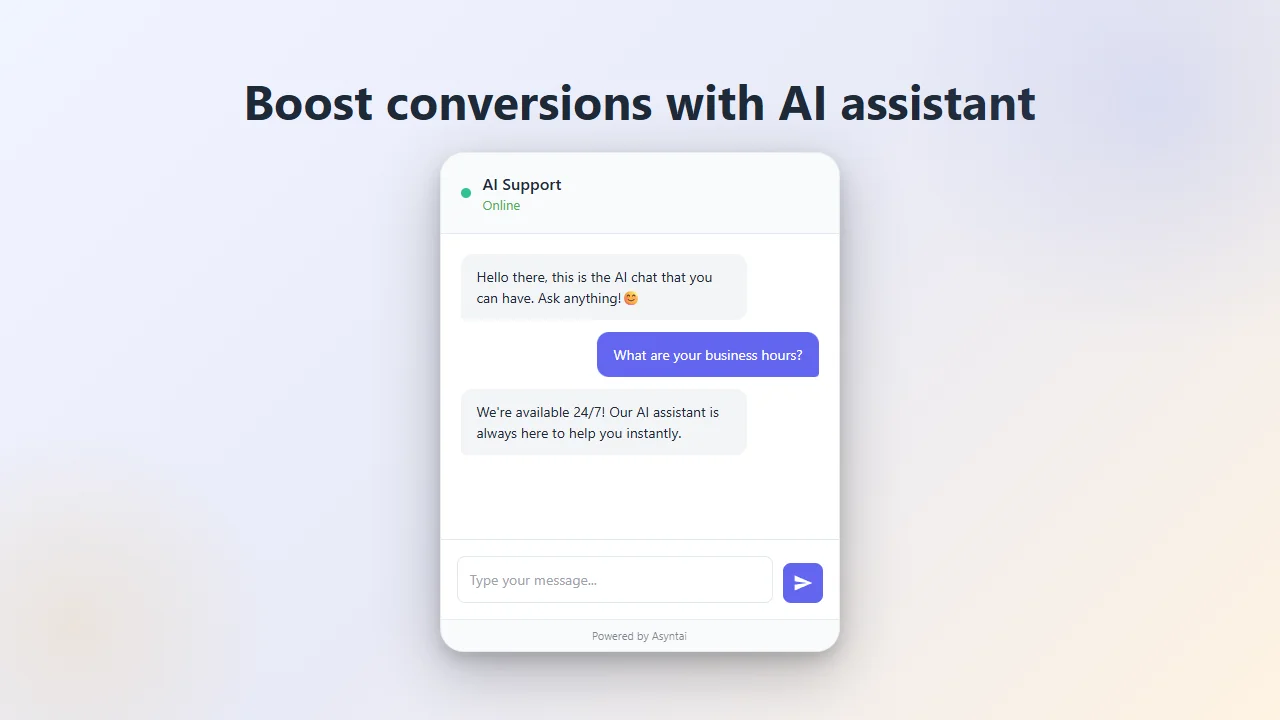
Applicants and parents often read about a school after work or late at night, when the admissions office is closed. The assistant replies on the page, so a family can get the deadline or the fee when they look for it.
Built From Your Admissions Content
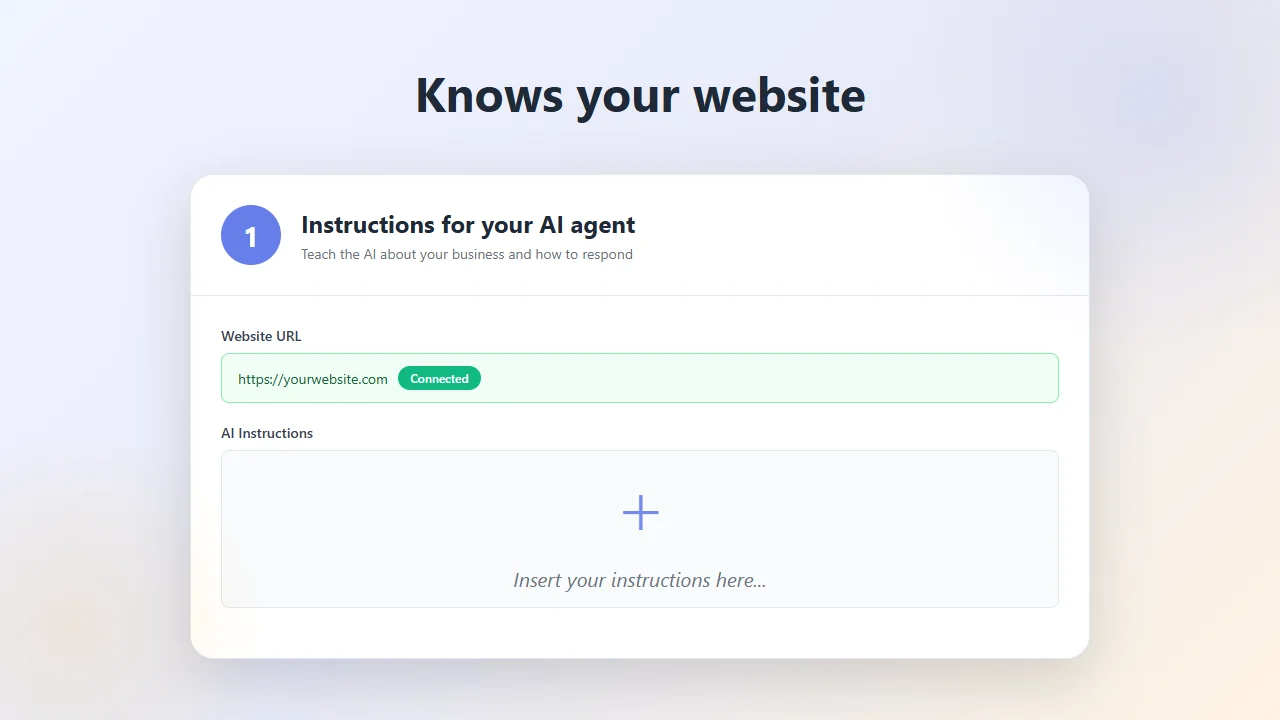
Add your website address and upload your prospectus or fee list. The assistant answers from that content, so its replies use your requirements and your dates.
See What Applicants Really Ask
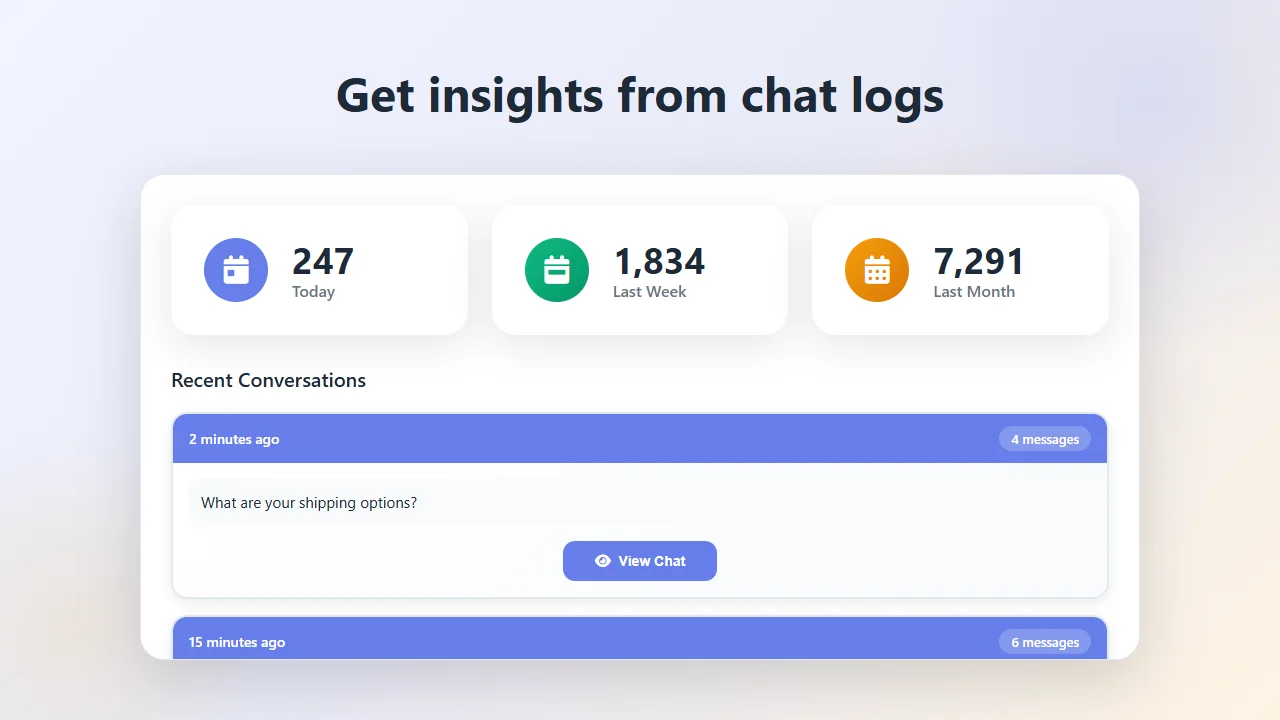
Chat logs show the questions that families ask before they apply. When the same question comes up again and again, you know which part of your admissions pages needs more detail.
Set the Right Tone for Your School
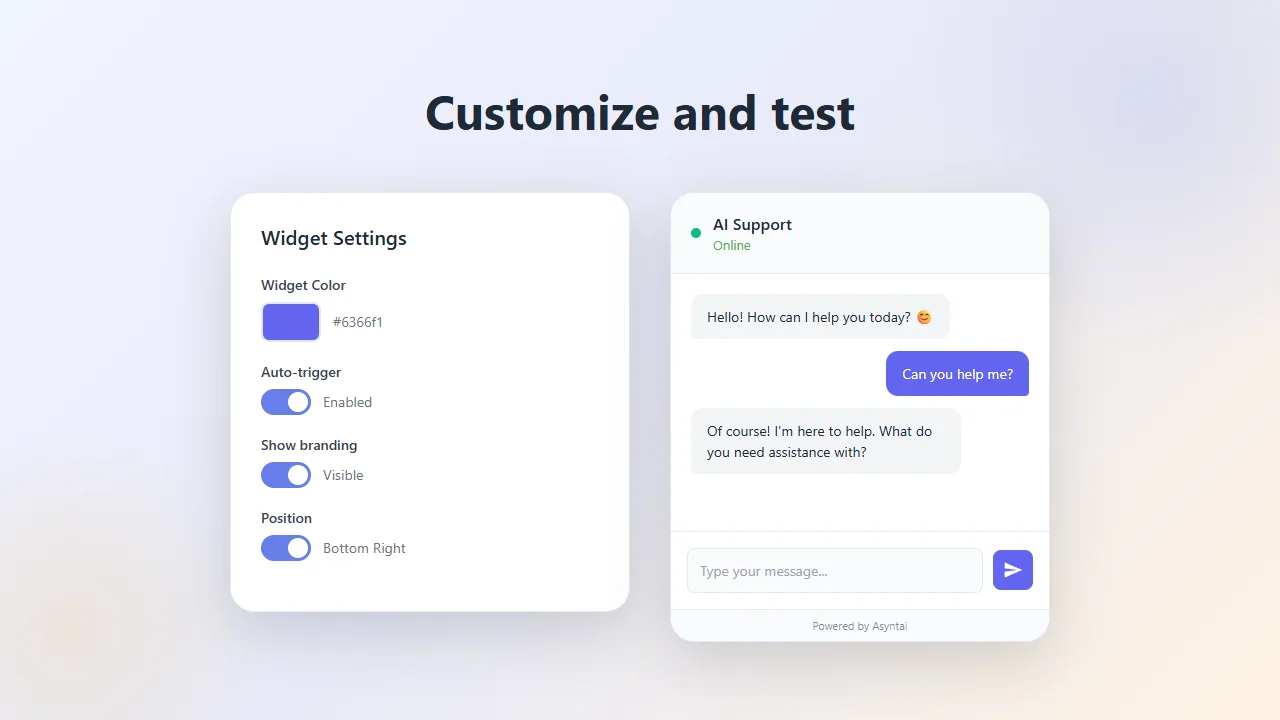
Set the greeting, the colors and the instructions in the dashboard, then test the assistant before families see it. You can tell it how to speak about your school and when to send people to your office.
Have any questions? Try our AI chatbot right now
Ask it anything - it is live on this page
What Applicants Can Ask
The questions that fill an admissions inbox each season
Deadlines and Dates
Application dates, open days and start dates from your own pages.
Requirements and Documents
What each applicant must send, and for which program.
Your PDFs Too
Upload a prospectus or a fee list for details that are not on the site.
36 Languages
Replies in the language of the parent or the applicant.
Visit Bookings
Families can book an appointment in the chat on Standard and Pro.
Staff Can Take Over
Your team can join a conversation on Standard and Pro.
Ready Before the Next Intake
Four steps take you from sign-up to a working assistant on your admissions pages.
-
1
Create an account and add your website
Sign up and add your school website so that Asyntai can read your pages.
-
2
Add your admissions documents
Upload the prospectus, the fee list, or any other file that applicants need.
-
3
Test the answers
Ask the questions that your office gets each year, and add content where an answer needs more detail.
-
4
Add the script to your site
Copy one line of code from the dashboard into your website, and the widget goes live.
Sign up free and get your personalised snippet instantly - paste it once and the widget is live
Why Admissions Teams Add a Chatbot
Start free with 50 messages, upgrade as questions grow
Fewer Repeat Emails
Common questions get an answer on the page, so staff have more time for real applicants.
Answers Outside Office Hours
Families get a reply in the evening and at the weekend.
Help for International Families
People can ask in their own language, even when your site uses one language.
Frequently Asked Questions
What admissions teams ask first
What a Chatbot Changes for School Admissions
The Same Questions Come Back Every Season
Every admissions office knows the list. When is the deadline? Which documents do I need? Is there a scholarship? Can my child start in January? The answers are often on your website, but a family may not find them on the page they are reading.
A chat assistant lets them ask in their own words. They do not need to know whether the answer is under Admissions, Fees or Student Life.
Parents and Applicants Ask Different Things
A parent often asks about fees, transport, safety and visit days. A student often asks about programs, entry grades and life at the school. Both may arrive on the same page.
Because the assistant answers the question in front of it, one website can serve both groups. You can use your instructions to set how it speaks and what it says first.
A Busy Season Is the Wrong Time for Slow Replies
Enquiries tend to come together around open days and deadlines, and that is when your team has the least time. A family that waits for a reply may move on to the next school on its list.
An assistant gives the first answer at once. Your staff can then spend their time on the conversations that need a person, such as an unusual case or a family that is ready to apply.
International Families Need Clear Answers
For a family in another country, an admissions page can be hard to read even when they know some English. The details matter: visa documents, start dates and fees.
The assistant replies in the language of the person who asks. This helps families understand your content before they contact your office.
Start With the Pages You Already Have
You do not need to write a new set of answers. Your admissions pages and your prospectus are the starting point. Test the assistant with the questions from your inbox, and add content where an answer needs more detail.
For a wider view of chat on education websites, read about our chatbots for schools, colleges and universities.
Ready to Answer Your Next Applicants?
Start free with 50 messages and add one script to your website.