AI Chatbot for Agility CMS Websites
Agility CMS runs the kind of site where the visitor is looking for something specific: a branch, a policy, a product spec, a regional contact. Give them an assistant that reads your published pages and answers from them, in whatever language they ask in. Nothing is installed in Agility itself, and your content team carries on exactly as before.
See It In Action
Agility CMS is used for enterprise marketing sites in banking, pharmacy retail, commercial real estate and healthcare. Those sites are deep, multi-region and often bilingual, which is exactly where visitors give up searching.
The Visitor Asks Instead of Navigating
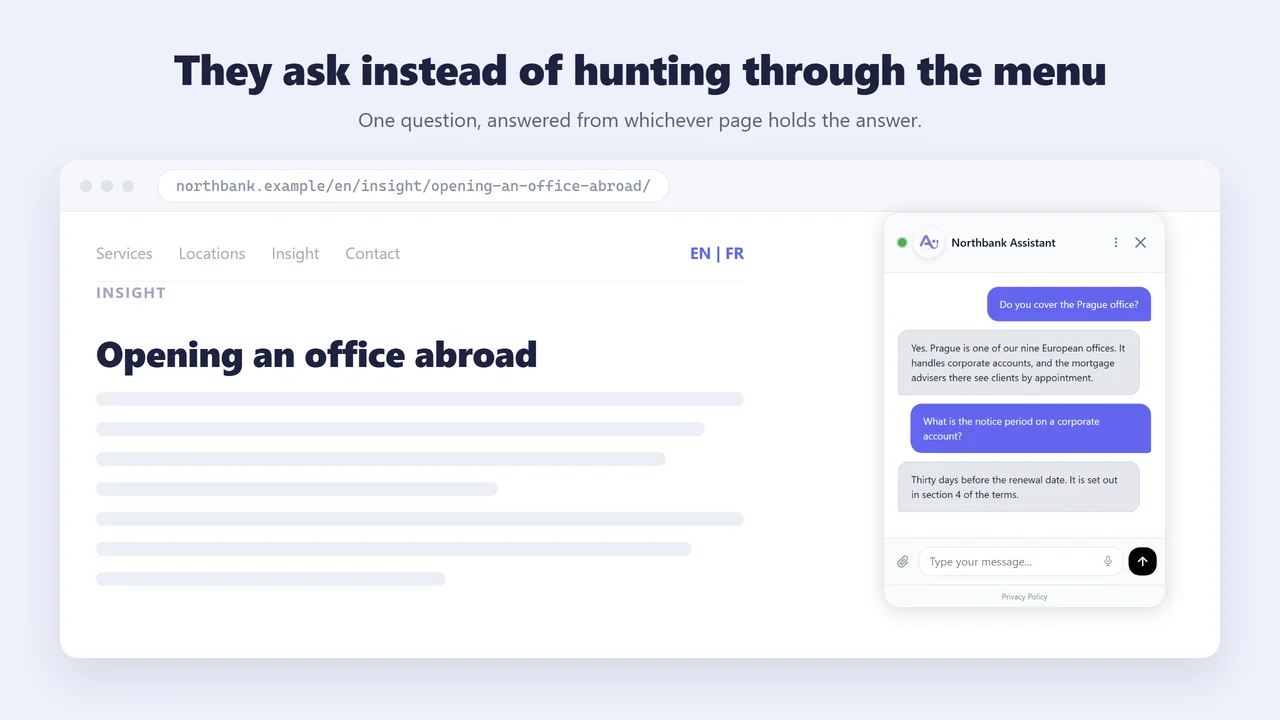
A visitor lands on one page, from search, with one question in mind. Your navigation assumes they will browse; they will not. They type "do you cover the Prague office" or "what is the notice period" and get the answer from whichever page holds it, without leaving the page they arrived on.
Nobody Has to Tell It What Your Site Contains
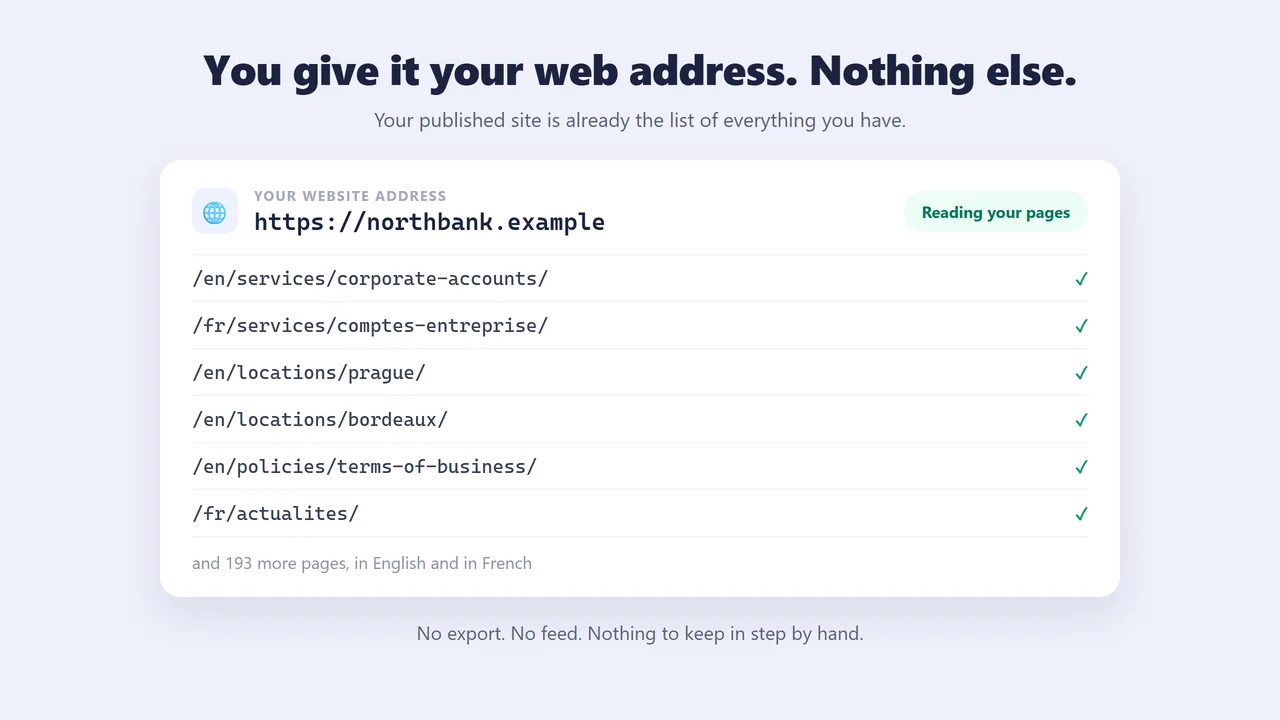
Because Agility keeps your page structure inside the CMS, your published site is already an accurate list of everything you have. Asyntai reads that list, so getting started means giving it your web address and nothing else. Anything you never publish, such as a spec sheet or a contract, you add as a file.
Every Conversation Is Kept in Full
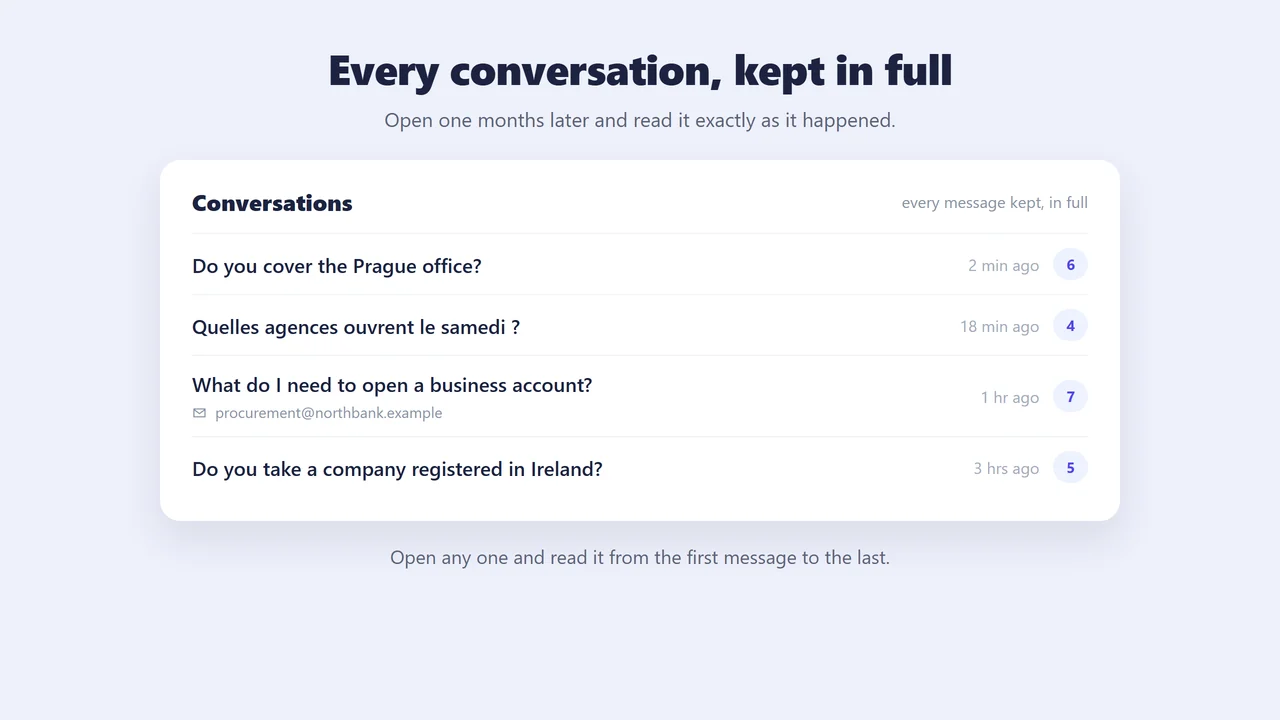
Every message is stored, so you can open a conversation months later and read it exactly as it happened. Each one shows the question that started it, how long it ran, and the email address or phone number the visitor left. A buyer who asks at eleven at night is still there in the morning, with the whole exchange behind them.
The Same Questions, Every Week, in Two Languages
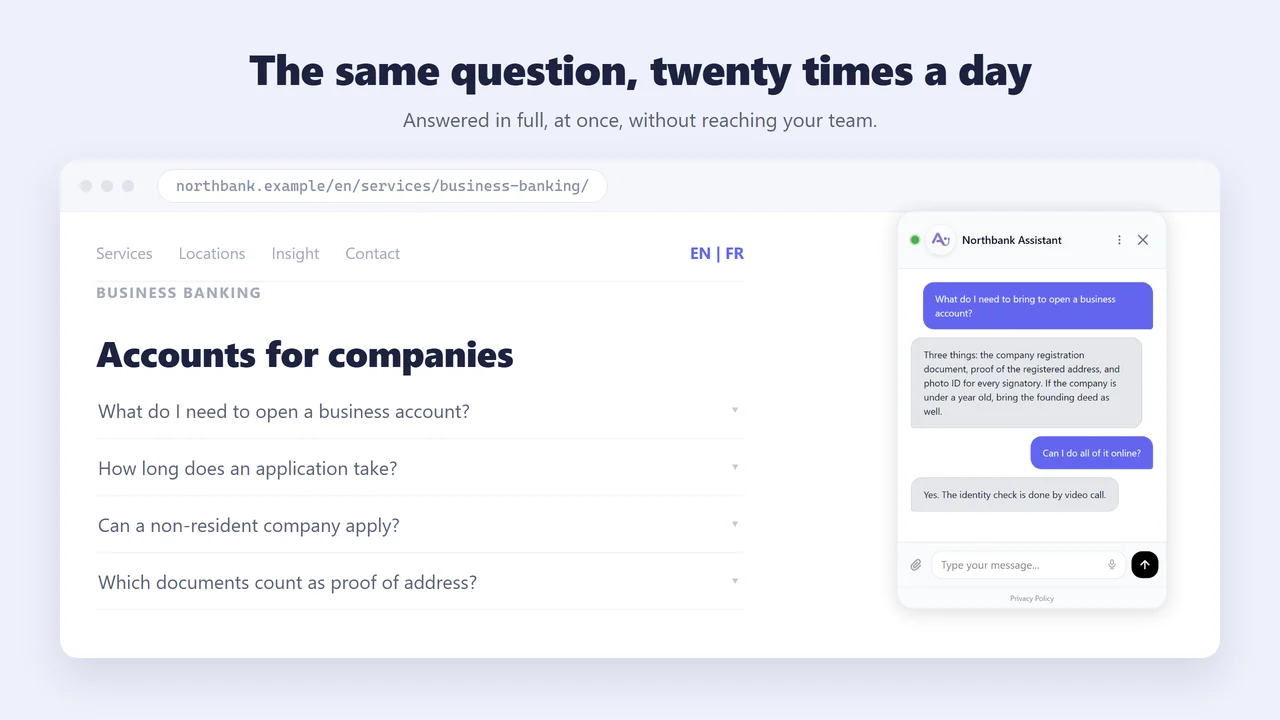
An enterprise site collects a fixed set of questions: which documents a process needs, whether a service covers a region, what a policy says, when a location is open. They arrive again every week, and on a bilingual Agility site they arrive twice. The assistant answers them from the pages you already published, so your team only sees the ones that need a person.
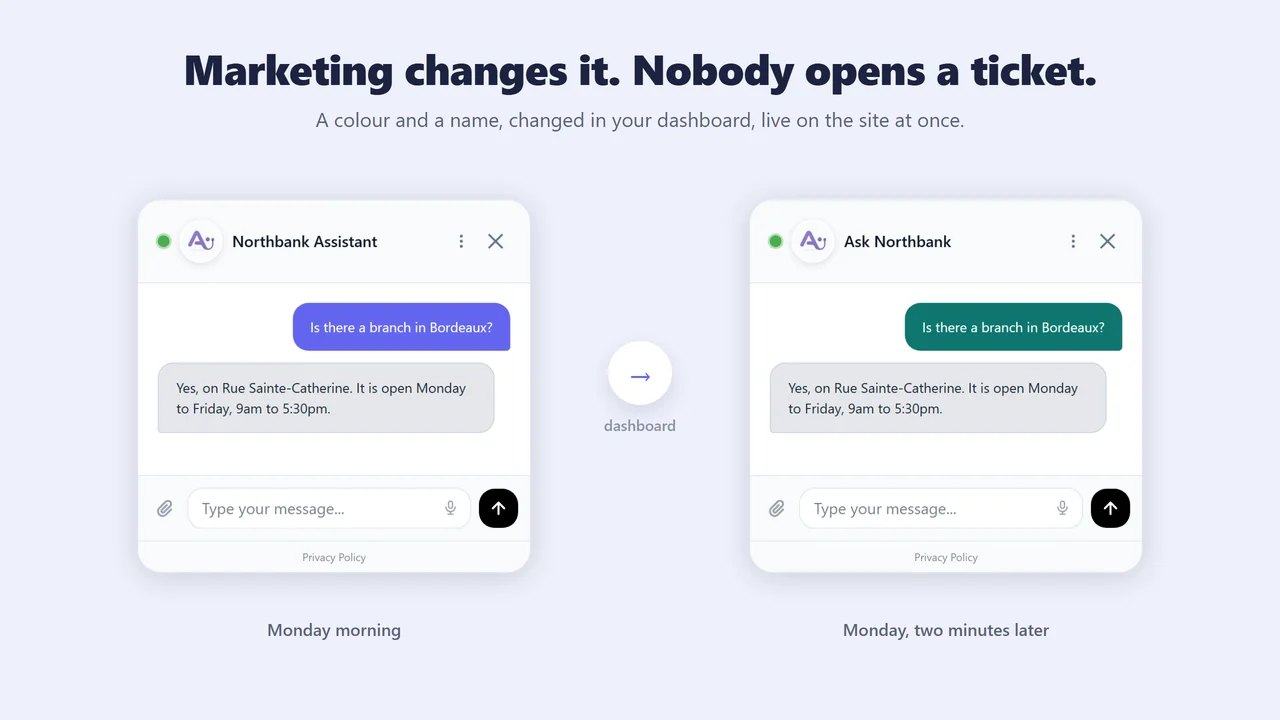
Marketing Can Change It Without Waiting for a Developer
A developer adds one line, once. After that nothing goes back to the development queue. Colours, position, the welcome message and the avatar are all set in your Asyntai dashboard and change on the site straight away. A campaign tweak on a Friday afternoon does not need a release.
Built for Agility CMS Websites
Added to your website in minutes, whichever way it was built, and nothing changes inside Agility.
Instant Answers from Your Content
Agility CMS websites often have deep content structures with dozens of pages, blog posts, and resource sections. The AI reads all of it and answers visitor questions like "what plan includes API access" or "how does your onboarding process work" using your own words and facts.
One Assistant per Site in a Multi-Site Instance
Agility CMS is built for multi-site and multi-instance setups, where one content hub feeds a corporate site, several regional sites, and a handful of campaign microsites. Asyntai treats each of those as its own website with its own knowledge base and its own instructions, so the careers site never answers with investor-relations content. The Free plan covers 1 website, Starter 2, Standard 3, and Pro 20.
Every Locale Is a Separate URL, and That Matters
Agility localises content natively across unlimited locales and publishes each one on its own language-specific URL. That is good for search, and it doubles or triples the number of pages your assistant has to read. A bilingual English and French site uses roughly twice the crawl budget of a single-language one, so plan for it: Free indexes up to 50 pages, Starter 250, Standard 1,000, Pro 5,000. The assistant then replies in whichever language the visitor writes in, across 36 languages.
Policies, Pricing, and FAQ on Demand
The questions that fill your contact form most often are the ones already answered somewhere on your site. The chatbot surfaces pricing details, return policies, service descriptions, and support information instantly, reducing form submissions and email volume.
It Learns Your Site Without an Export
Sites built the way Agility recommends serve finished pages, so Asyntai reads them the same way a visitor or a search engine does. There is no export to prepare, no data feed to build and no work for your development team beyond that first line. The assistant simply reads what you have published.
Your Content Team Never Touches It
Because Agility is headless, the assistant lives in the website rather than in the CMS. Your editors see no change, no new panel and no extra step in their day. It is a one-time job for whoever maintains the site, and after that the assistant covers every page Agility publishes, including the ones you add next month.
How It Works
Get your AI chatbot live on your Agility CMS website in three simple steps
Sign Up & Connect
Create your account and provide your website URL. The AI will automatically learn your site content, pages, and structure managed through Agility CMS.
Add It to Your Website
Send the line of code to whoever maintains your website. They add it once, in the file that wraps every page, and publish. Most teams do it in under five minutes.
Start Engaging Visitors
Your AI chatbot is now live, answering visitor questions, guiding them to the right content, and helping convert browsers into customers 24/7.
Simple Agility CMS Integration
Agility is headless, so there is nothing to install inside the CMS and nothing for your editors to learn. The line of code goes into the website itself, once, in the file that wraps every page. On the Agility Next.js starter that file is app/layout.tsx. After it is published the assistant is on every page you have, and on every page you add later.
- ✓ One line covers every page on the site
- ✓ Loads after your page, so it does not hold up rendering
- ✓ Nothing to install in the Agility content hub
- ✓ Each site in a multi-site instance stays separate
Sign up free and get your personalized integration code instantly
Why Agility CMS Website Owners Choose Asyntai
Start free with 50 messages, scale as your website grows
Your Entire Website Becomes Searchable by Conversation
Navigation menus and search bars only work when visitors know what they are looking for. The chatbot understands natural questions like "do you offer enterprise pricing" or "how long does implementation take" and finds the answer across your entire Agility CMS website.
The Questions Become a Content Brief
Every conversation is logged, so you can read what visitors actually asked rather than guessing from page views. On a multi-market Agility site the gaps differ by locale: the French pages get asked one thing, the English pages another. That list tells your content team what to write next, and it comes from real visitors instead of a workshop.
It Answers From Your Content, and You Choose Which
Sites in banking, pharmacy retail and healthcare cannot have an assistant improvising. It answers from your published pages and the documents you upload, and nothing else. You can exclude pages you would rather it never quoted, such as a legacy policy or a draft that is still indexed, and it will hand a question to a person instead of guessing when it should.
Frequently Asked Questions
Everything you need to know about adding an AI chatbot to your Agility CMS website
How AI Chatbot Helps Agility CMS Websites
Depth Is the Problem You Paid For
Nobody buys a headless CMS for a five-page brochure site. Teams choose Agility because they need content models with real relationships between items, several channels fed from one hub, and editors who can work without a developer. The websites that come out of that are deep on purpose.
Depth is also what defeats the visitor. Someone arrives from search on a blog post and wants your pricing. Someone lands on a feature page and wants the implementation timeline. The answer exists, modelled carefully, two levels away in a different content type. The assistant reads every published page and answers from whichever one holds the answer, so the visitor never has to work out where you filed it.
A One-Time Job, Not a New System to Own
Anything added to a website has to be maintained by somebody for years afterwards. That is the real cost of most tools, and it is why development teams push back on marketing requests. The question worth asking is not how long something takes to install, but what it costs to keep.
Here the answer is close to nothing. It is one line, added once, and it is not a component or a plugin, so it never turns up in an upgrade, a security review or a version clash. It loads after your page, so your site stays as fast as it was. If you ever stop using it, removing that one line removes it completely.
Your Best Content Is Three Clicks Too Deep
Agility runs marketing sites in banking, pharmacy retail, commercial real estate and healthcare. Those sites carry service descriptions, case studies, resource libraries, branch and location data, and detailed product specifications. Every page was written for a reason. The volume is the whole point, and it is also the cost.
A visitor does not read an information architecture. They arrive with one question: how long a typical rollout takes, which branches open on a Saturday, what is included at the enterprise tier. The assistant answers from your case studies, your location pages and your comparison tables, and the visitor never learns those were three separate content types.
A Contact Form Is a Twenty-Four Hour Delay
Every unanswered question is an exit. A prospect wonders whether you integrate with a tool they already run, whether you cover their use case, what the cancellation terms are. A contact form turns that into a reply tomorrow, and by tomorrow they have read two competitors.
The assistant answers in seconds from your published pages and any documents you upload, at every stage: the early visitor asking a general question, the prospect comparing features, the late buyer with a contractual detail. What it should not answer it hands to a person instead of guessing, so a hard question becomes a handover rather than a wrong answer.
Your Page Routing Is Already the Crawl Plan
With most headless systems, nothing inside the CMS knows which pages exist or where they sit. Agility is the exception. Your page structure lives in the content hub, where editors build and arrange it themselves without waiting for anyone. The shape of your site is something your team can see and control.
That is why getting started here is just your web address. Nothing has to be exported, listed or kept in sync by hand. When an editor publishes a page in Agility it joins the sitemap, and the assistant picks it up on its next read of the site. The structure your team already maintains is the structure the assistant learns, which means the work you do for visitors counts twice.
Fifty Pages Today, Five Hundred Next Year
Teams pick Agility expecting to grow, across markets, languages and product lines. More pages mean more places for an answer to hide, and a site search box rarely finds it, because it matches words rather than meaning.
Each time you publish or update in Agility, the assistant takes the change on its next crawl. There is nothing to retrain and no second knowledge base to maintain. Plan the ceiling, though: the free tier indexes up to 50 pages, Starter 250, Standard 1,000 and Pro 5,000. A multi-market site reaches those numbers sooner than a single-language one.
Your Locales Multiply Faster Than Your Translation Budget
Agility localises content natively across unlimited locales and publishes each one on its own language-specific URL. That is the right call for search, and it means a bilingual English and French site is two sets of pages, not one set with a switch. Three markets is three sets.
Two things follow. Budget for the crawl: every locale URL counts, so a bilingual site uses roughly twice the pages of a single-language one against the limits above. And you do not have to finish translating before you can serve someone. The assistant detects the language a visitor writes in and answers in it, across 36 languages, drawing on whatever you have already published. A German visitor gets a German answer from English pages while your localisation work continues.
Ready to Engage More Visitors on Your Agility CMS Website?
Start free with 50 messages and see how an AI assistant can help your website convert more visitors into customers.