Asyntai AI Agent for Zoho Desk
Every ticket arrives with the reply already written. Asyntai reads the message, drafts an answer from your own content, and leaves it on the ticket as a private comment. Your agent reads it, changes what they want, and sends.
A Head Start On Every Ticket
The slow part of support is not typing. It is looking up what the answer actually is.
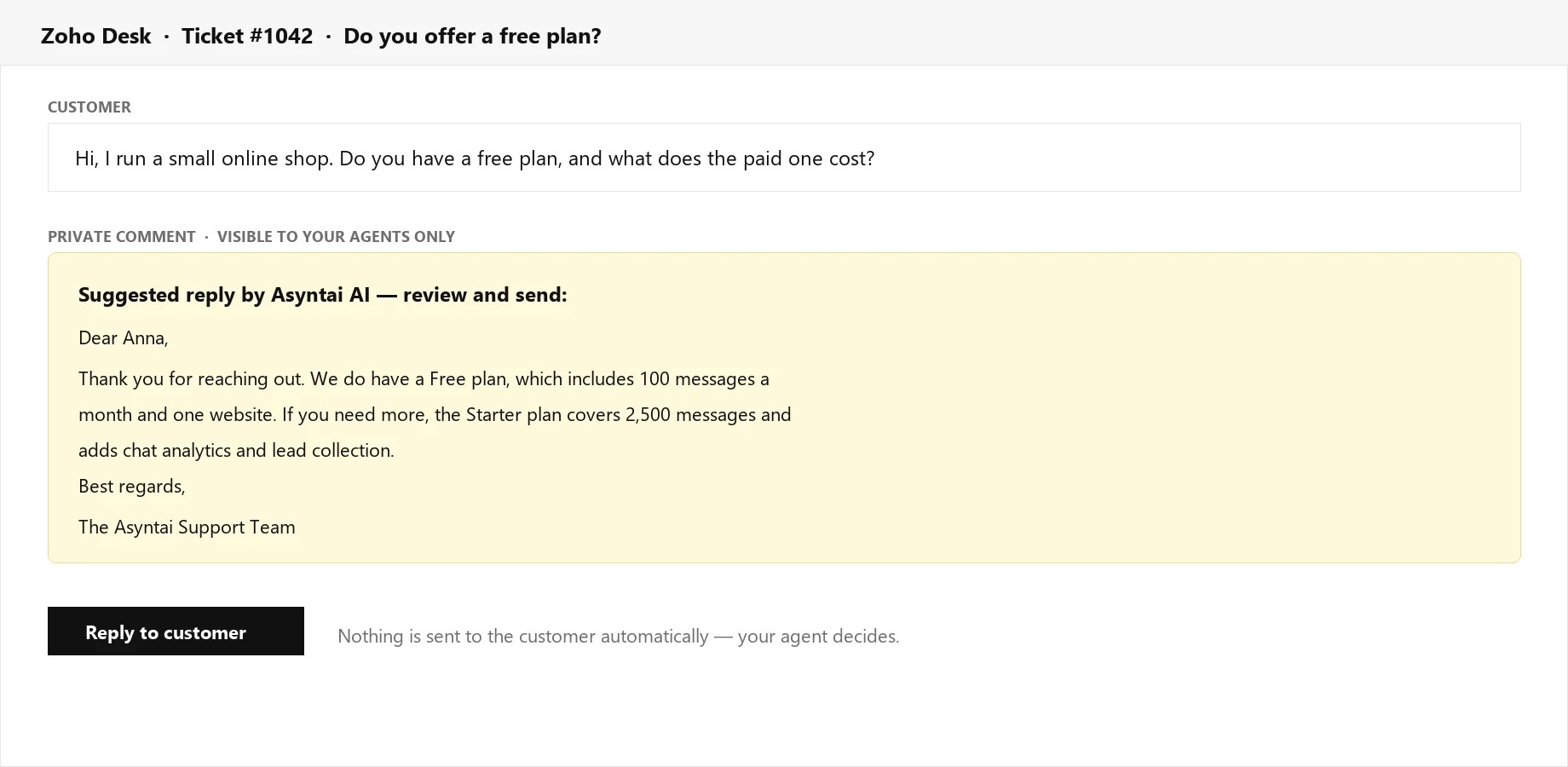
The Draft Is Waiting When You Open The Ticket
A suggested reply appears as a private comment moments after the ticket arrives, addressed to the customer by name and written from your own website and documents. Your agent starts from a full answer instead of an empty box.
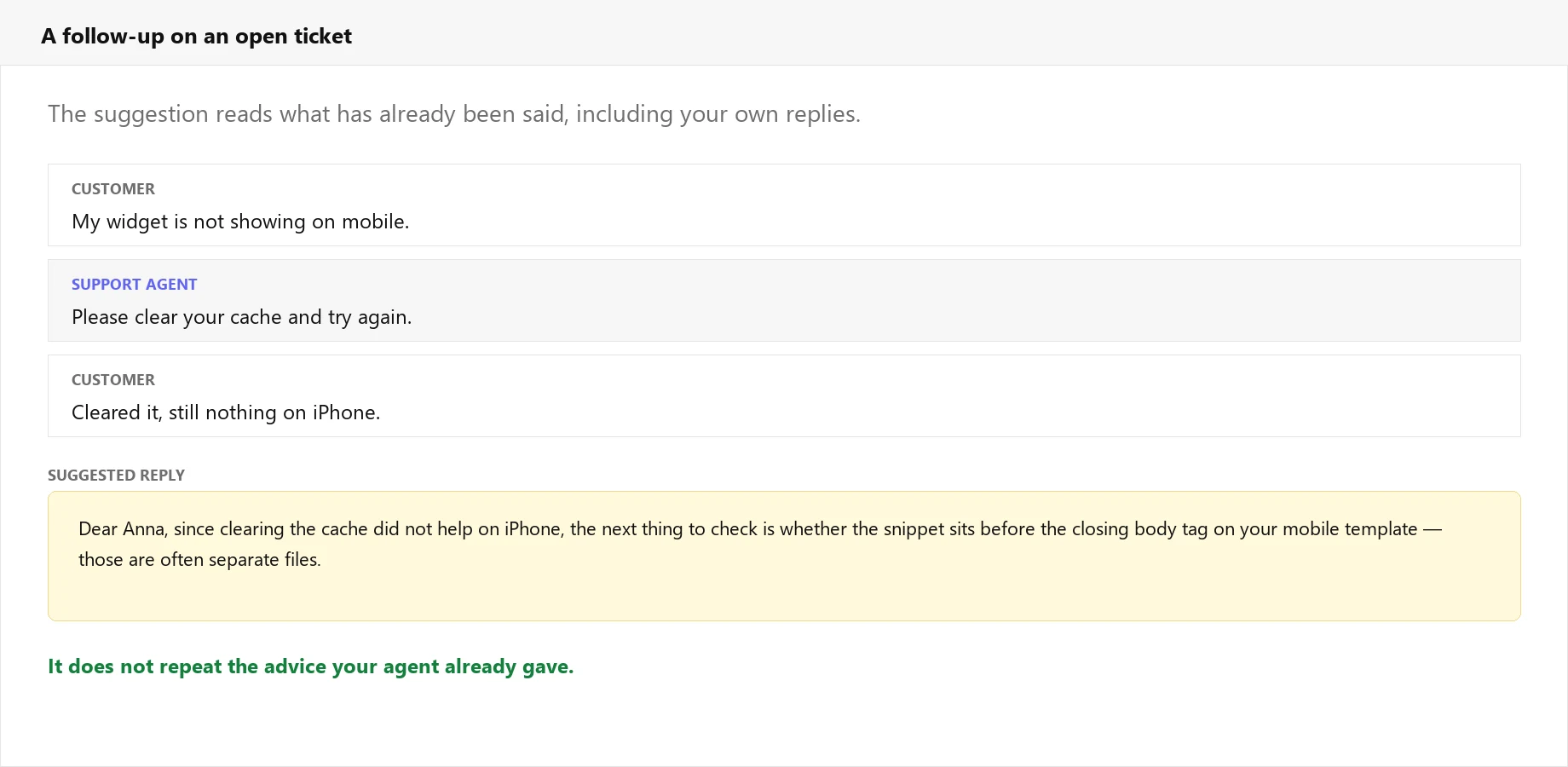
Follow-Ups Read The Whole Thread
When a customer writes back, the suggestion takes the earlier messages into account, including the replies your agents already sent. It moves the ticket forward rather than repeating advice the customer has tried and told you did not work.
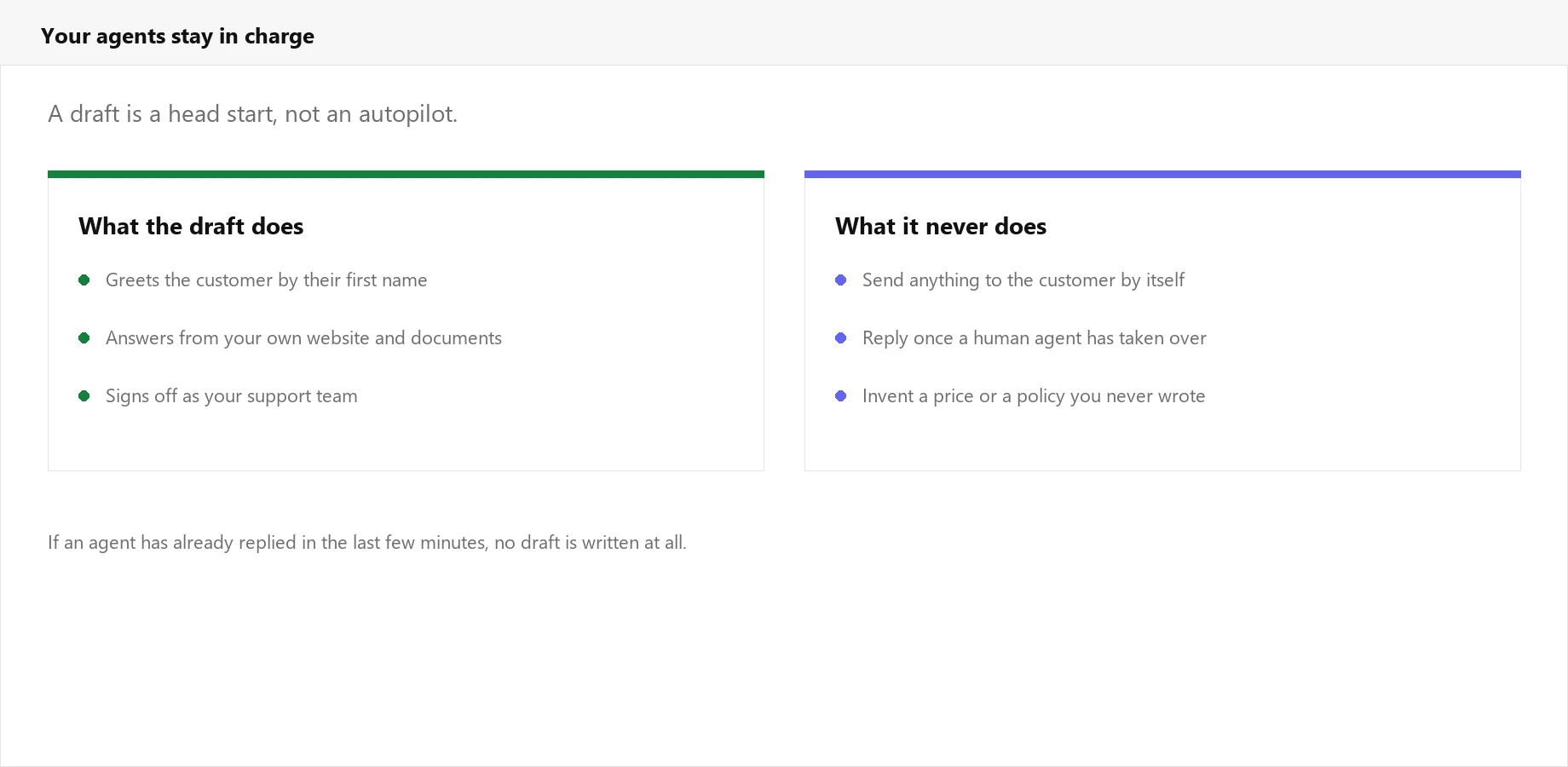
Nothing Reaches The Customer On Its Own
Suggestions are private comments, visible only to your team. Nothing is ever sent automatically, and once a human agent replies, Asyntai steps back and stops writing drafts for that ticket.
Written The Way Your Team Writes
A draft is only useful if sending it does not mean rewriting it first.
Uses The Customer's Name
The draft greets the person by their first name, taken from the ticket contact. No agent has to fix a "Dear Customer" before sending.
Reads Like Email, Not Chat
Support email has its own manners: a greeting, full sentences, a sign-off in your company's name. The draft follows them instead of sounding like a chat bubble.
Answers From Your Content
Prices, policies and setup steps come from your own website and documents. When your knowledge base has no answer, the draft does not invent one.
Backs Off For Humans
If one of your agents has replied recently, no draft is written. The AI never talks over a colleague who has already picked the ticket up.
Answers In Their Language
A ticket written in German comes back with a German draft. Your team can support 36 languages without hiring for each one.
Installs From The Marketplace
Add the extension to your Zoho Desk, connect your Asyntai account, and drafts start appearing. No development work and no server to run.
How It Works
Three steps, then it runs quietly in the background
Add Your Content
Point Asyntai at your website and upload the documents your team answers from, so the drafts know your prices, policies and setup steps.
Connect Zoho Desk
Authorise the connection and install the Asyntai extension in your Zoho Desk. It works across Zoho's data centres, wherever your account lives.
Open A Ticket
From then on, each new ticket and each customer follow-up gets a suggested reply on it, ready for an agent to review and send.
Where The Suggestion Appears
Zoho Desk has no true draft field an outside app can write into, so the suggestion is added as a private comment on the ticket. Your agents see it in the thread, copy what they want, and reply as they always have. Customers never see it, and it never leaves your helpdesk on its own.
- ✓ Works on new tickets and on follow-up messages
- ✓ Private comments only, never a public reply
- ✓ Stops writing once an agent takes the ticket over
- ✓ Turn it off from your dashboard at any time
Authorise once and the next ticket arrives with a draft on it
Simple, Transparent Pricing
You pay for the Asyntai plan, and every draft counts as one message. There is no separate charge for the Zoho Desk connection.
What Changes In The Queue
Same team, same tone, considerably less typing
Shorter First Replies
Most of the wait on a ticket is the agent finding the right answer. When the answer is already on the ticket, first response time drops without anyone rushing.
Consistent Answers
Two agents asked the same question give the same reply, because both start from the same drafted answer built out of the same documentation.
New Agents Get Up To Speed
Someone in their first week can handle common tickets confidently, because the draft shows them what a good answer looks like before they send it.
Frequently Asked Questions
What support managers ask before switching it on
Stop Starting Every Reply From Nothing
Connect Zoho Desk and let the first draft be waiting when your agent opens the ticket.