AI Agent for Freshchat
Keep Freshchat as your team's inbox and let an AI agent take the first reply. Asyntai connects through your Freshchat API key and a webhook, reads each new customer message and answers it from your website, documents and instructions, so agents can focus on the conversations that need them.
What Changes in Your Freshchat Inbox
Three ways an AI first responder takes pressure off a Freshworks support team
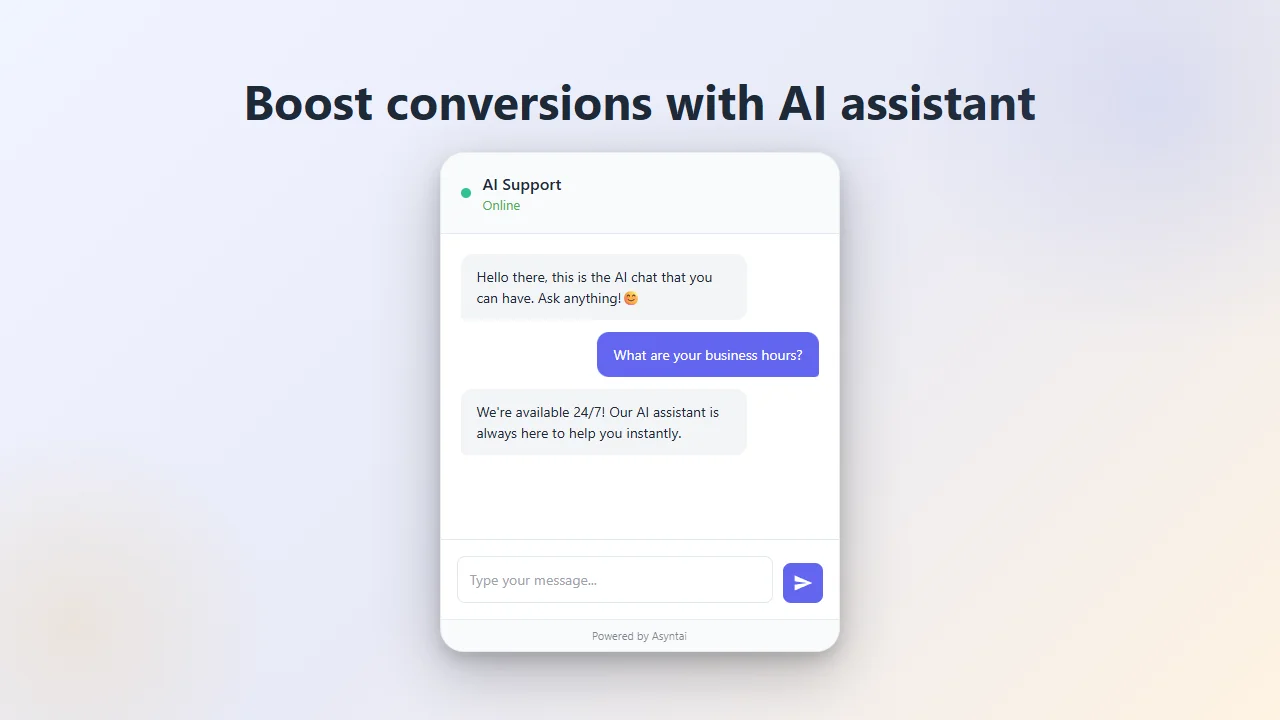
The First Reply Comes at Once
A customer opens a conversation in Freshchat and gets an answer within seconds, not after the queue clears. The AI agent responds to the incoming message about your products, services or policies, and your agents never have to start from a blank reply for routine questions.
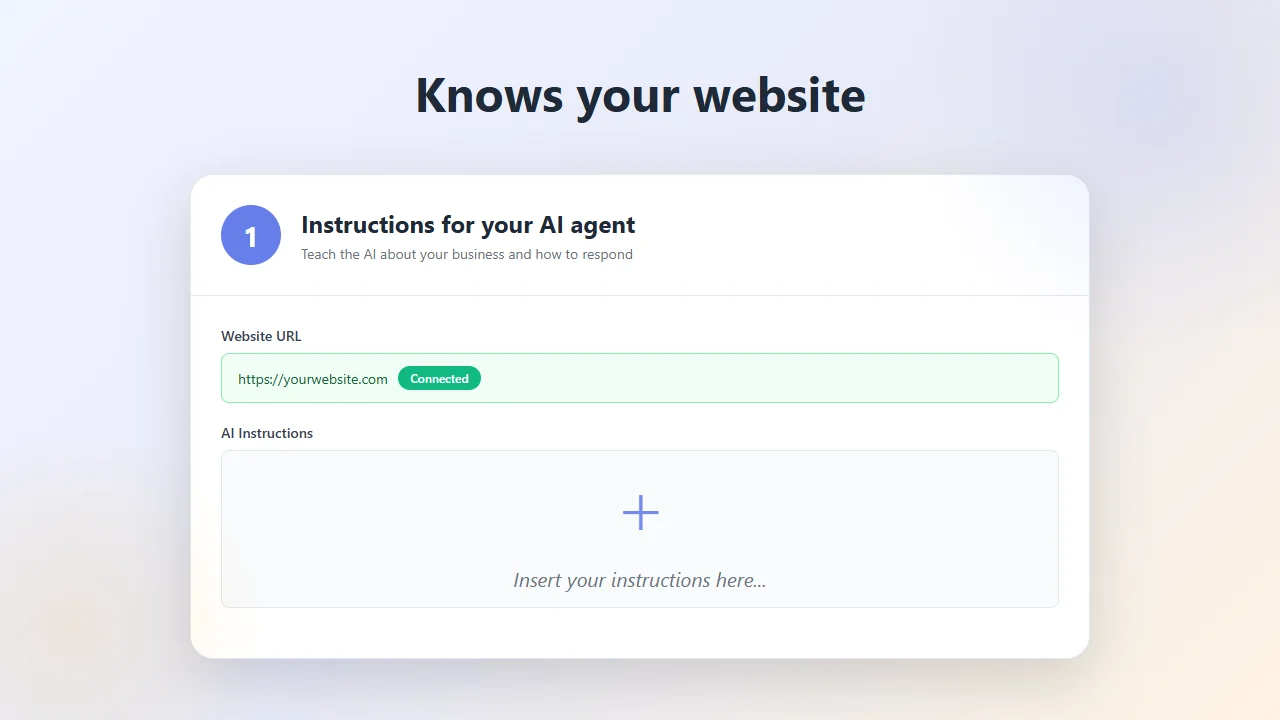
Answers From Your Own Material
The agent draws on your website, the documents you upload and the instructions you write. Return rules, plan details, opening hours, setup steps: it replies with what your company actually says, in the context of the customer's question.
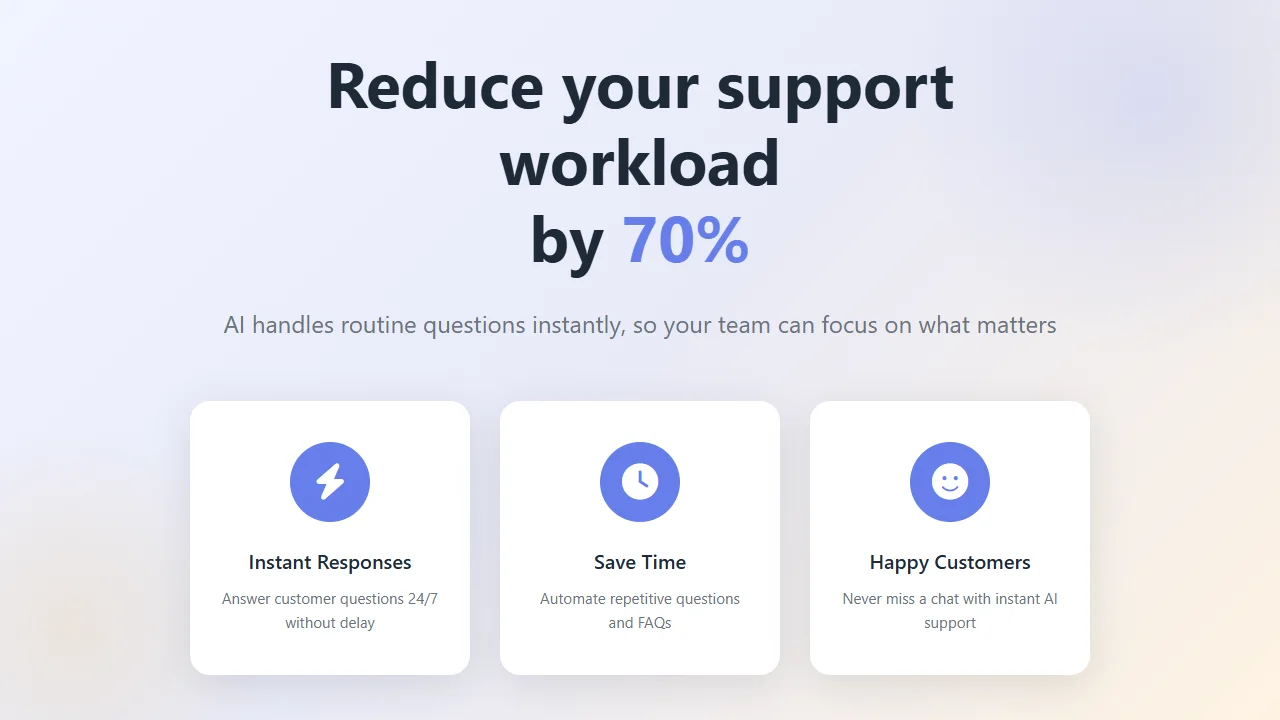
A Shorter Queue for Your Agents
Repeated questions no longer stack up between real cases. The AI handles them day and night, and your team spends its shifts on escalations, refunds and customers who need a human touch.
Made for Teams That Run Support in Freshchat
Your Freshchat setup stays in place. The AI agent plugs into it and answers on your behalf.
API Key and Webhook
The connection needs your Freshchat API key and a webhook URL from us. No custom app, no developer project, just a few minutes of setup.
Covers the Hours Nobody Is Online
Messages that arrive overnight or on public holidays get an answer straight away instead of waiting for the morning shift.
Replies in the Customer's Language
The agent answers in the language the customer writes in, so international conversations do not need a dedicated agent per language.
Your Tone, Your Rules
Write instructions about products, policies and phrasing. The agent follows them, so its replies sound like your support team.
Quicker Answers for Customers
A customer who gets the right answer in the first reply has nothing left to wait for, and the conversation can be closed sooner.
Limited to Your Business
The agent sticks to your topics. Off-topic requests are declined, and answers come only from the knowledge you provided.
Three Steps to Connect
From sign-up to the first automatic reply in your Freshchat account
Create an Account and Add Credentials
Sign up, then enter your Freshchat API key and Chat URL. Add your website and business documents so the AI has the knowledge it needs.
Add the Webhook in Freshchat
Copy the webhook URL shown in Asyntai, open Freshchat Settings > Webhooks, paste it there and choose the message events that should trigger it.
Let the Agent Answer
From now on, the AI agent replies to Freshchat conversations automatically, at any hour, while your team handles the complex cases.
How the Connection Works
Freshchat sends each new customer message to Asyntai through the webhook. The AI writes a reply from your knowledge base and posts it back into the conversation through the Freshchat API. You enter the API key once, and there is nothing else to install.
- ✓ Works with Freshchat plans that include API and webhook access
- ✓ Replies as soon as the message arrives
- ✓ Uses your website, documents and Q&A pairs
- ✓ Change what the AI knows at any time in the dashboard
Create a free account and link Freshchat with your API key
Why Support Teams Add Asyntai to Freshchat
More conversations handled, without changing the tool your agents know
No More Waiting in the Queue
Customers with a simple question get the answer in seconds. The backlog that used to build up during peaks stays small.
Grow Volume Without Growing Headcount
When message volume rises, the AI takes the routine share. Your existing agents can handle the rest without extra hires for every busy season.
Lower Cost per Conversation
Every question the agent answers on its own is one an employee does not have to. Over a month, that time adds up to real savings.
Freshchat Integration Questions
Setup, plans, customization and limits
AI Replies in Freshchat: A Practical Guide
Freshchat and the Messaging Inbox
Freshchat is the messaging product of Freshworks, the company behind Freshdesk. It brings conversations from the website chat widget, mobile apps and messaging apps such as WhatsApp, Facebook Messenger and Instagram into one inbox for the support team. It is also part of the larger Freshworks customer service suite.
One inbox makes work easier, but it does not reduce the number of messages. Many of them ask the same things every day: delivery times, account access, plan details. That is the part an AI agent can take over.
What Happens to a Message, Step by Step
A customer writes in Freshchat. Freshchat sends the message event to the Asyntai webhook you configured. The AI looks up the relevant information in your knowledge base, writes a reply in the customer's language and sends it back into the same conversation.
The customer sees the answer in the chat they already have open. Your team sees the full exchange in Freshchat, just like any other conversation in the inbox.
Building a Knowledge Base That Answers Well
The quality of every reply depends on what you give the AI. Start with your website URL so it can crawl your help pages, pricing and policies. Add documents that customers never see, like internal FAQs or product sheets, and Q&A pairs for questions that need a precise answer.
Then write instructions: how formal to be, which topics to avoid, when to point customers to a form or a phone number. You can change any of this in the dashboard at any time, and the next reply already uses the update.
Where the AI Agent Helps Most
The biggest gains come outside business hours. A customer in another time zone who writes at night gets a real answer instead of an away message. During a sale or a product launch, the AI absorbs the surge of similar questions so agents are not buried.
It also helps new agents. When routine questions are already answered, new team members can learn on the harder cases with less time pressure.
Measuring the Effect
After a few weeks, compare your Freshchat reports with the period before: first response time, conversations per agent, backlog at the start of each day. Look at which questions the AI answers most often, too.
Those frequent questions often point to gaps on your website or in your product. Fixing them helps every customer, not only the ones who open a chat.
Give Your Freshchat Inbox an AI First Responder
Connect your account, start with 50 free messages and see how many conversations the AI agent handles for you.