AI Chatbot for Netlify
Install the extension, connect your account, and deploy. Your Netlify site then answers visitors from its own pages, and you did not touch your code.
Try it on your Netlify site for free
Enter your site address and see how an AI assistant would answer your visitors
How It Works on Netlify
For business sites, online stores, and web apps that you deploy with Netlify
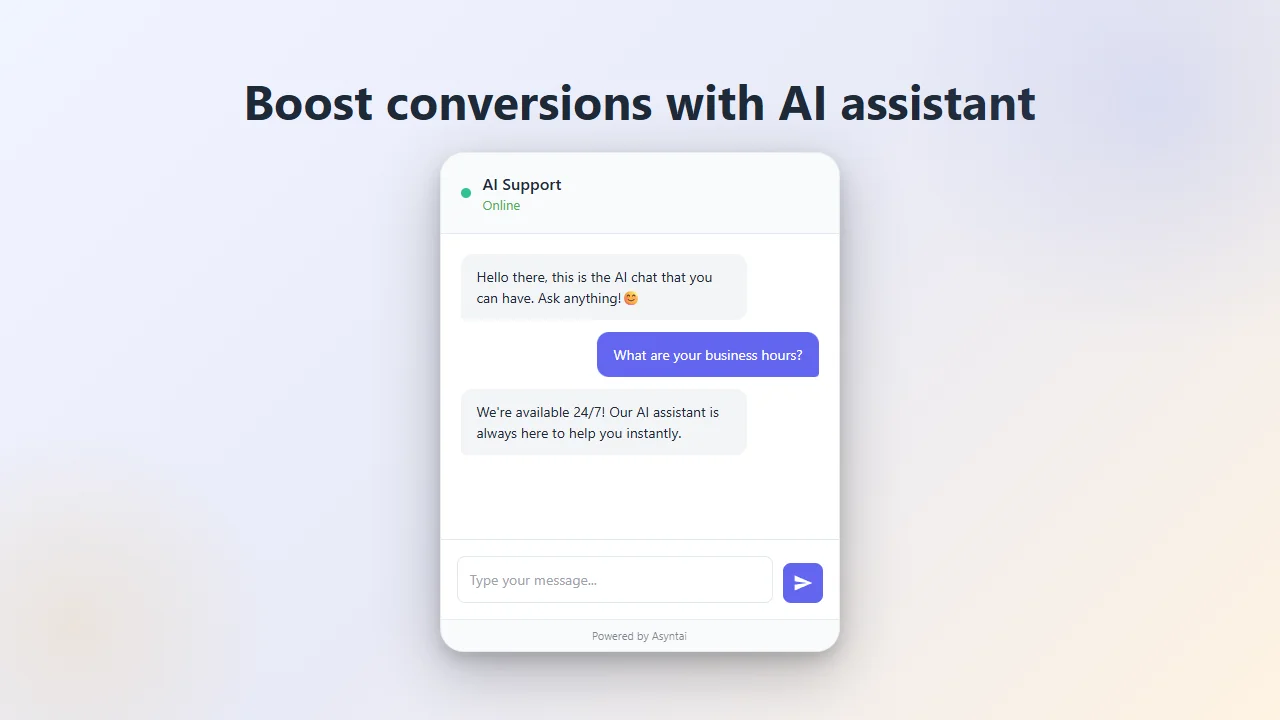
The Chat Arrives With Your Next Deploy
The extension runs at the end of each build and adds the chat to your HTML pages. You do not edit a template, and your repository stays as it was.
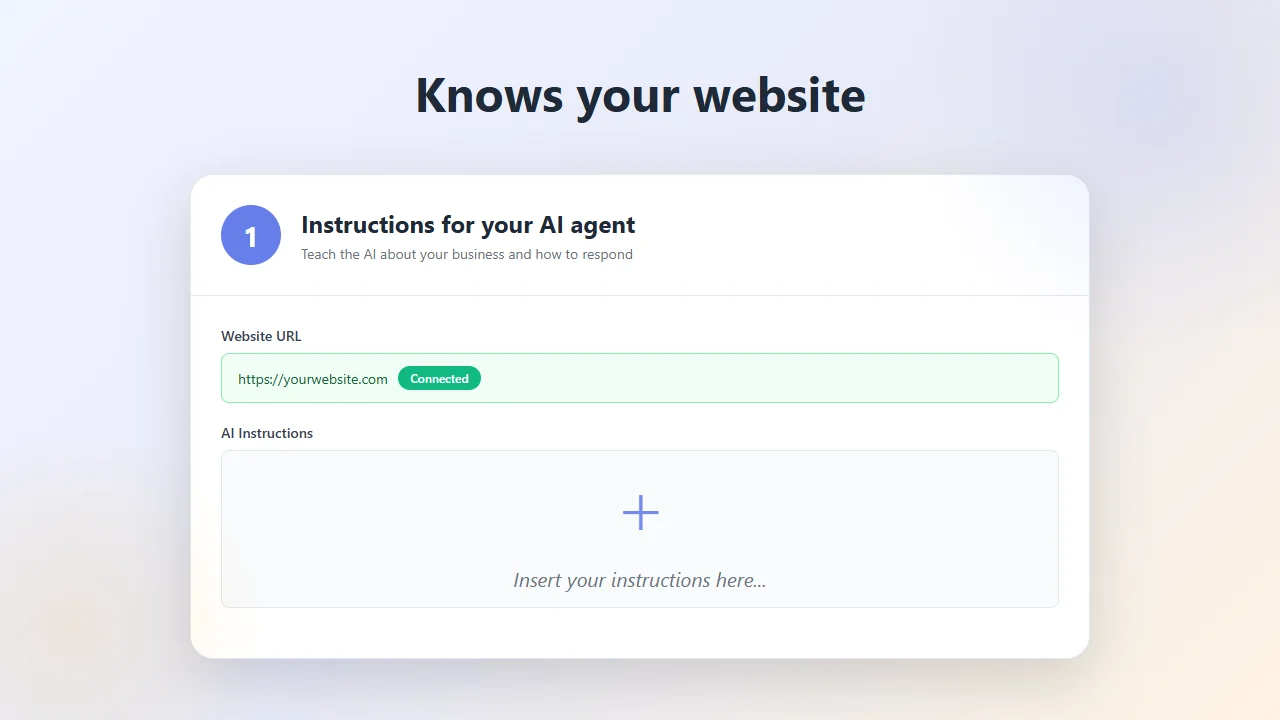
Connect Once From Your Site Settings
Open the extension in your Netlify site settings and press Connect Asyntai. A new account can learn from your site address straight away, and the settings page shows when you are connected.
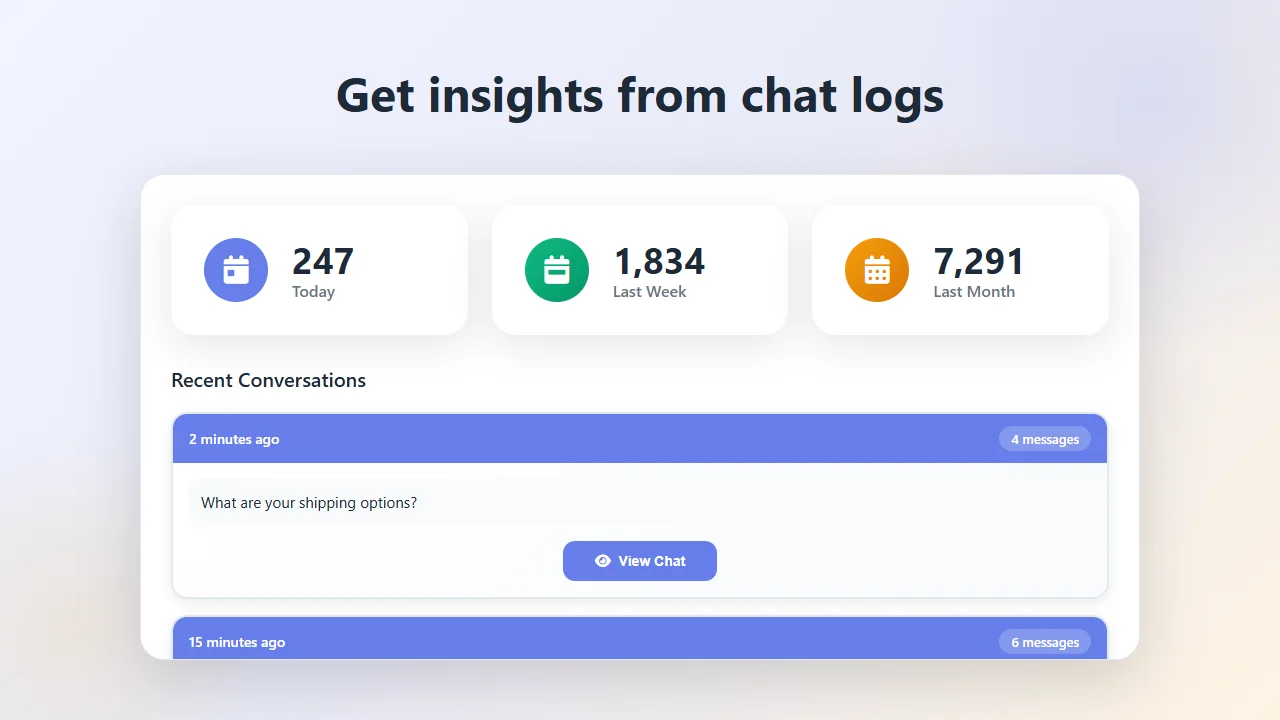
Know What Visitors Ask
Deploy logs tell you that a build worked. Chat logs tell you what people wanted when they arrived, so you know which page to improve in your next deploy.
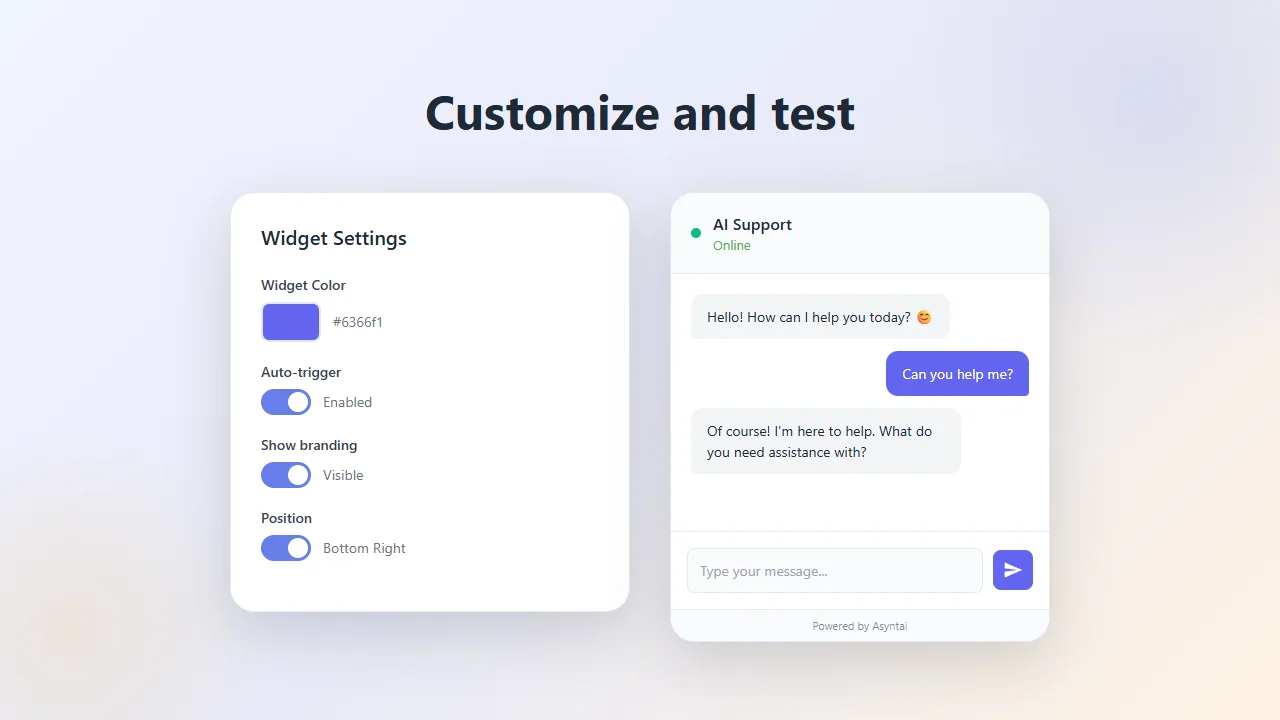
Update the Assistant Without a Build
Colors, greeting and instructions live in the Asyntai dashboard, and changes show on your site at once. A new wording for the greeting does not need to use your build minutes.
Have any questions? Try our AI chatbot right now
Ask it anything - it is live on this page
Made for the Way You Deploy
Your build stays yours, and the chat comes along with it
A Real Netlify Extension
Install it from Netlify and manage it in your site settings.
Any Framework
It works on the final HTML, whatever produces it.
No Code to Paste
Nothing changes in your repository, unless you prefer the script.
No Double Widgets
A page that already has the script keeps its own.
Changes Without a Deploy
Update the assistant in the dashboard and it shows at once.
36 Languages
The assistant replies in the language of the visitor.
Add It to Netlify in Four Steps
The Netlify documentation has every detail. If you prefer, you can paste the script into your own layout instead.
-
1
Install the extension
Open the Asyntai AI Chatbot extension in Netlify and press Install.
-
2
Open your site settings
Open the site that should have the chat, then go to Extensions and Asyntai AI Chatbot.
-
3
Connect Asyntai
Press Connect Asyntai, then sign in or create an account in the new tab.
-
4
Deploy
Start a new deploy or push a commit. The chat is live on every page of that deploy.
Sign up free and get your personalised snippet instantly - paste it once and the widget is live
Why Netlify Site Owners Add Asyntai
Start free with 50 messages, upgrade as traffic grows
Answers While You Build
Visitors get replies from your content, so fewer questions interrupt your work.
A View Into Your Traffic
Chat logs show the real questions behind your visits.
Visitors in Any Language
People can ask in their own language, and you do not translate a page.
Frequently Asked Questions
What Netlify users ask first
What to Know About Chat on a Netlify Site
Why an Extension Beats One More Template Edit
A chat script looks like a small change, but it must go in the right layout of the right project. If your site has several layouts, or a framework that builds pages in different ways, one missed file means a page with no chat.
The extension works at the end of the build, on the finished HTML. It does not matter which layout made a page, because it handles the pages that your visitors really get.
Build Time and Run Time Do Different Jobs
The extension puts the widget on your pages at build time, so the connection itself needs a deploy. The assistant runs from Asyntai, so everything about its behavior changes without one.
In practice you deploy once to install the chat. After that, you can change the greeting or add knowledge at any time, and your deploy history stays about your site.
A Site That Deploys Often Needs Fresh Answers
Teams on Netlify often ship small changes many times a week. When your prices or your product pages change, run a new crawl from the dashboard so that the assistant reads the latest content.
You can also add files and instructions for anything that visitors ask but your pages do not cover.
Who Answers on a Site With No Support Team
Many Netlify sites belong to small teams, freelancers and agencies. A contact form is often the only way to ask a question, and a visitor may not wait for the reply.
An assistant can answer on the page at once. When a question needs a person, Standard and Pro plans let your team take over the conversation.
Also Using Other Static Hosts or Generators
The same assistant works outside Netlify too. If you also publish on GitHub Pages, or build with Hugo or Astro, these pages explain the details.
Your Asyntai plan covers every channel, so you manage all of your sites in one dashboard.
Ready to Answer Visitors on Your Next Deploy?
Start free with 50 messages and install the extension.